XML
RESULT
Paste XML.
Format XML using two-space indentation to make nested elements easier to read and check the document for syntax errors.
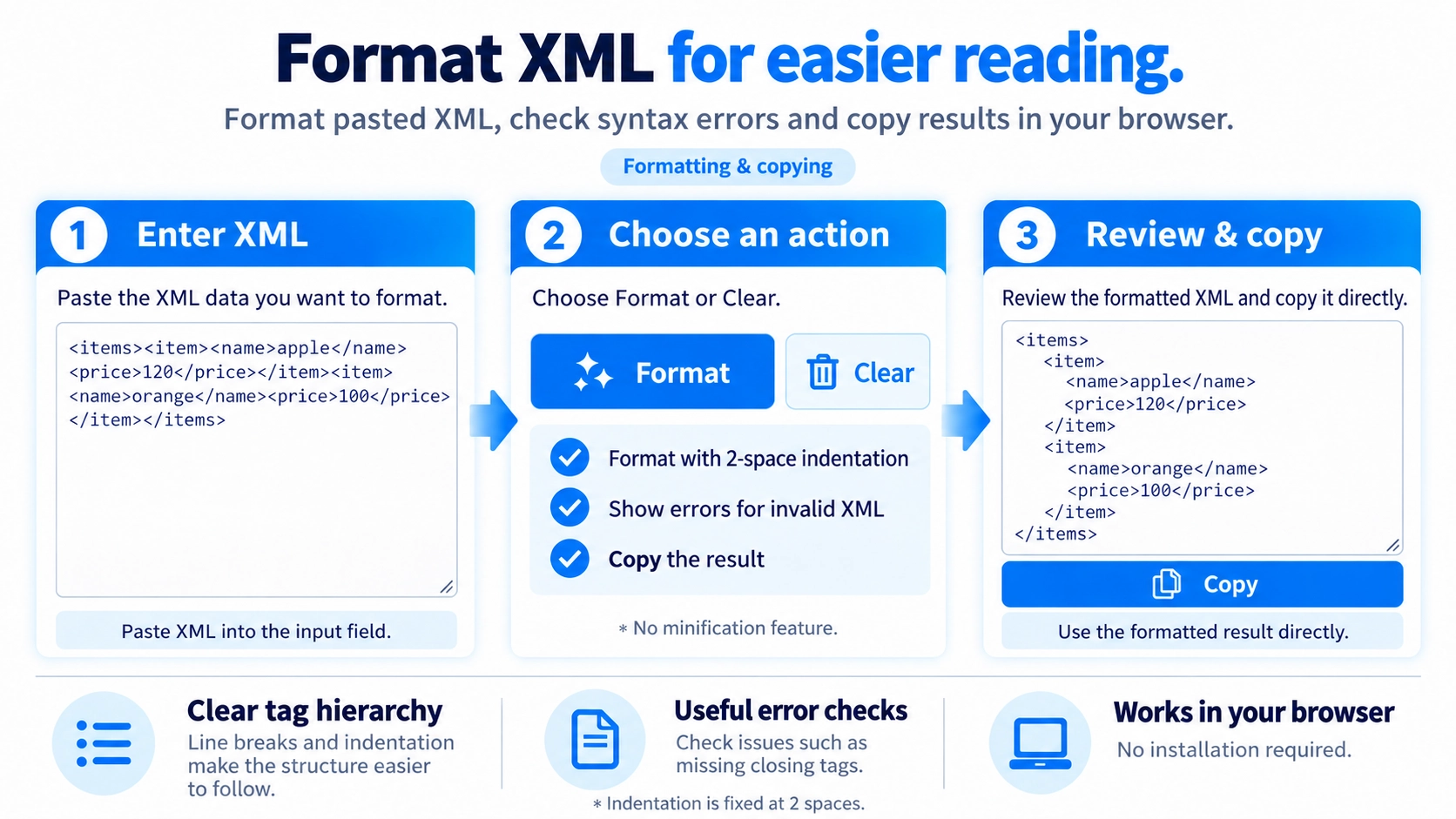
Invalid XML cannot be formatted. Check closing tags, properly nested elements, and quotes around attribute values if an error appears.
Useful when reviewing nested XML elements, inspecting configuration files, or copying a more readable XML document for debugging.
Add line breaks and indentation to XML so nested tags and matching open/close tags are easier to follow.
The formatter uses two spaces for each nesting level. There is no setting for a different indentation width.
If the XML cannot be parsed, such as when required closing tags are missing, the tool shows an error instead of formatting it.
Whitespace between tags is normalized before new indentation is added. Original indentation and blank lines between tags are not preserved as-is.
This page formats XML only. It does not convert the data to JSON, CSV, or another format.
This formatter does not include an XML minify mode or adjustable indentation width. The formatted result can be copied after processing.
No. It is fixed at two spaces.
No. This XML formatter does not have a minify option.
No. Invalid XML is reported as an error.