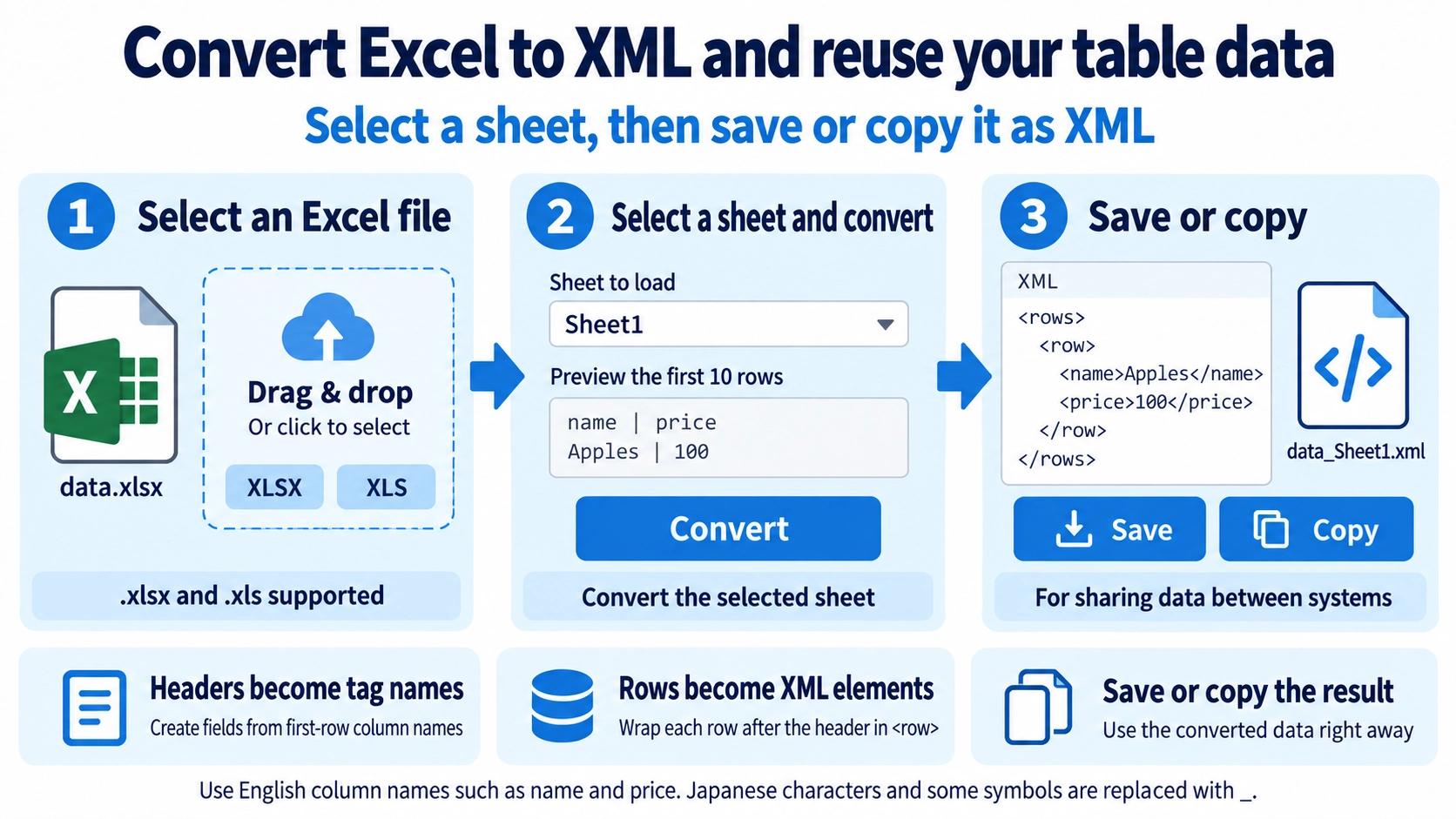
Upload an .xlsx or .xls file. If it contains multiple sheets, choose the sheet to convert.
What this tool does
Convert one selected sheet from an Excel workbook into XML. Review the converted rows and save the result directly in your browser.
How to use it
- Upload the source file.
- If the workbook contains multiple sheets, choose the sheet to convert.
- Run the conversion to XML.
- Download the result.
Supported input and notes
Accepts .xlsx and .xls workbooks. Only the selected worksheet is converted. Its first row becomes element names; subsequent rows become <row> elements inside <rows>. Blank cells produce empty values. Non-ASCII or unsupported characters in column names are replaced with underscores, so review the generated XML tags before use.
When it is useful
Useful when transferring rows from one Excel worksheet into an XML-based workflow that expects a structured list of records.
The First Row Becomes Tag Names
The first row of the selected worksheet is used to create XML tag names. Clear column labels make the converted XML easier to understand.
How Rows and Tags Map
Excel Rows
Each data row after the header becomes one <row> element.
Excel Columns
Column names from the first row are used to create the tags inside each <row>.
Column Names with Other Characters
Characters that are unsuitable for the generated XML tag names are replaced with underscores. Japanese column names are also not preserved directly as tag names in the current conversion.
Choosing Column Names
Short column names that begin with a letter, such as name, price, and stock, make the converted XML easier to understand.
name, price, and stock are safer.Special Characters in Values
Characters such as &, <, >, and quotation marks inside cells are converted to a form that does not break the XML structure.
FAQ
How is the first Excel row used?
Its column labels are used to create XML tag names.
Are Japanese column names kept as-is?
No. In the current conversion, Japanese characters and some symbols are replaced with underscores.
Can multiple worksheets be combined into one XML file?
No. The selected worksheet is converted.