Provide the input text, data, or file. Choose the tool options that match your goal.
What this tool does
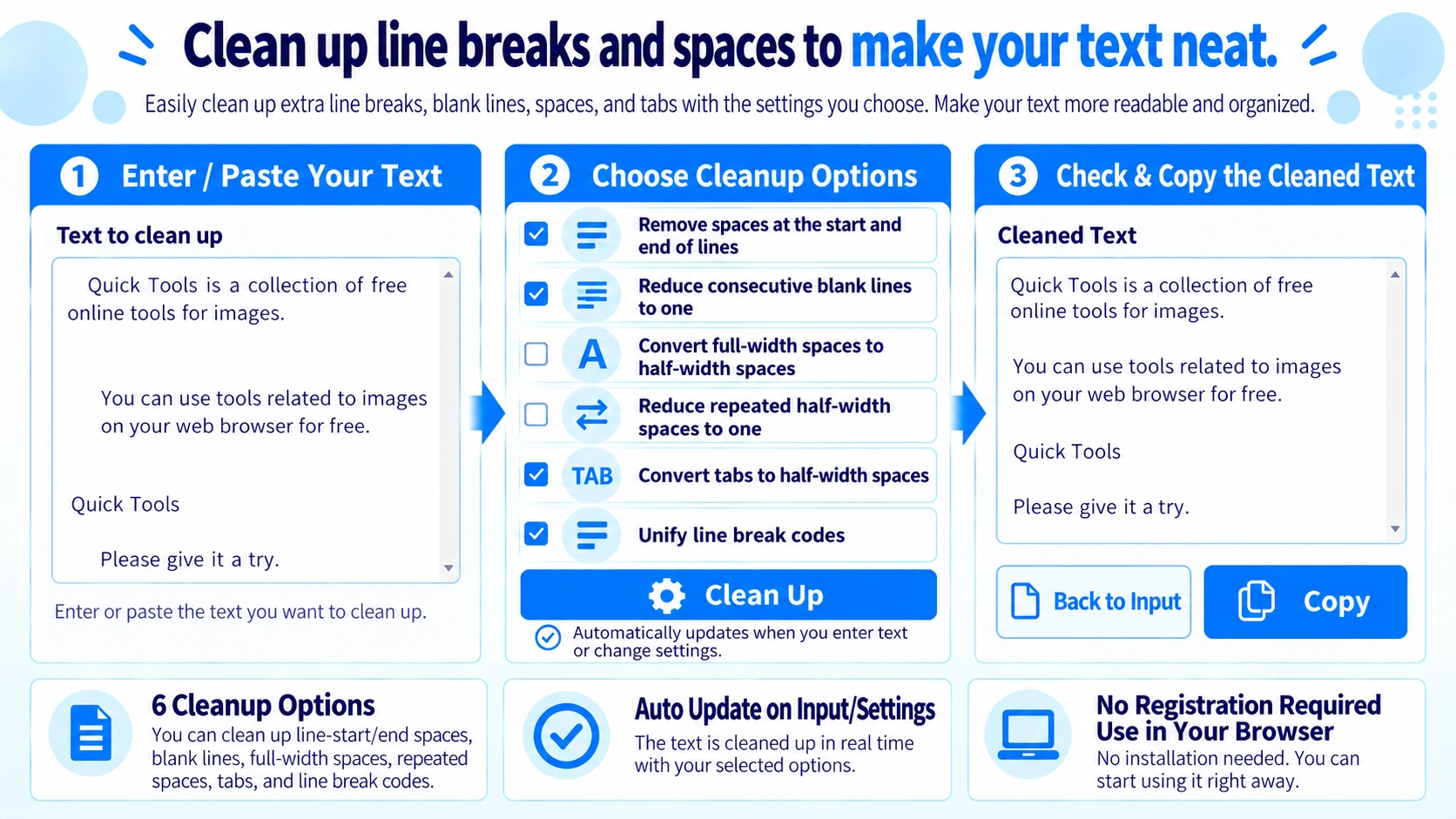
Clean extra spaces, tabs, and line breaks from pasted text using selectable options. Copy the result or return it to the input for another pass.
How to use it
- Paste the text you want to tidy up.
- Choose the line-break, whitespace, or tab-cleaning options.
- Click “Clean” and review the cleaned output.
- Copy the result or use “Put result back into input” for another pass.
Supported input and notes
Different cleaning options can alter indentation and spacing. Review the output when whitespace is meaningful, such as in code.
When it is useful
Useful for tidying copied text from websites, spreadsheets, and documents.
Six Cleanup Options
You can independently trim line edges, reduce blank lines, convert full-width spaces, collapse repeated spaces, convert tabs, and normalize line breaks.
Trim Line Edges
This removes whitespace from the beginning and end of each line, not spaces inside sentences.
Keep One Blank Line
Three or more consecutive line breaks are reduced to two, leaving one blank line between text blocks.
Normalize Spaces
Full-width spaces can be converted to half-width spaces, and repeated half-width spaces can be reduced to one.
How Tabs Are Handled
Each tab character is converted to one half-width space.
Normalize Line Breaks
CRLF and CR line endings are normalized to LF.
Reuse the Result
The cleaned result can be moved back into the input field for another cleanup pass.
FAQ
Does it remove every space?
No. Trimming line edges and collapsing repeated spaces are separate options.
Are all blank lines removed?
No. Repeated blank lines are reduced so one blank line remains.
Can I process the result again?
Yes. Move the result back to the input field and change the options.