INPUT
RESULT
Enter text to convert.
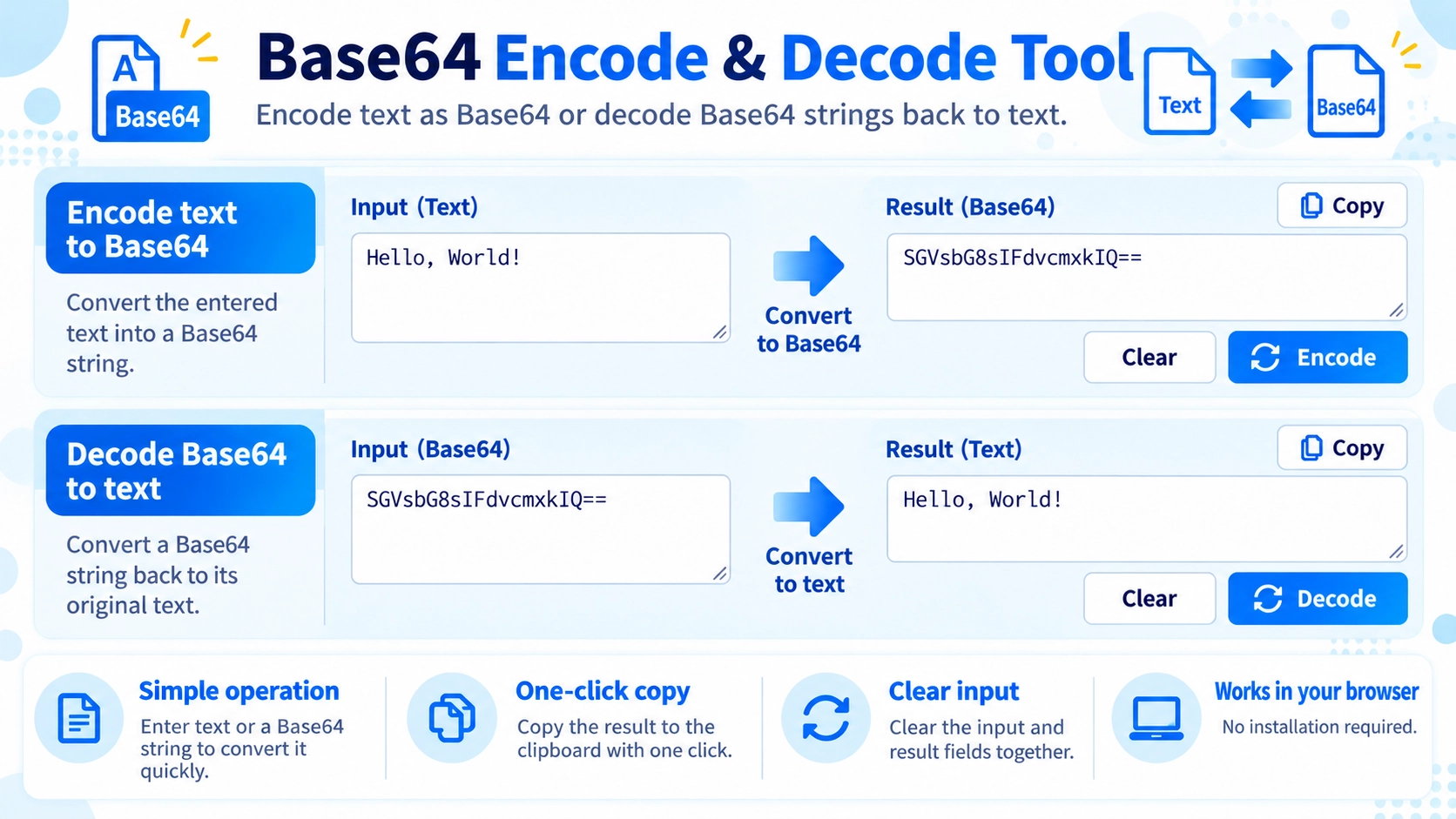
Encode text and URLs as Base64 or decode Base64 back into text in your browser. Copy the result with one click.
Base64 is encoding, not encryption, and should not be used to protect confidential information. Extra line breaks or whitespace may prevent a Base64 string from decoding correctly.
Useful for working with URLs, data URIs, APIs, and other text-based data handling tasks.
Convert entered text to Base64 and decode Base64 back into readable text. Japanese text is supported as well.
Converts ordinary text into a Base64 string.
Reads a Base64 string and restores the original text.
Japanese characters can be encoded to Base64 and decoded back into Japanese text.
Base64 changes how data is represented. It can be decoded back to the original content, so it is not a way to keep information secret.
This tool works with text pasted into the input area. It does not select and convert image, PDF, or other files.
If the input cannot be read as Base64, the tool shows an error instead of trying to repair the text.
When decoding, spaces at the beginning and end of the input are removed before the Base64 text is read. The result can then be copied.
Yes. Japanese text is supported.
No. Base64 is not encryption and can be decoded back to the original text.
No. This page is designed for text input, not file conversion.