Provide the input text, data, or file. Choose the tool options that match your goal.
What this tool does
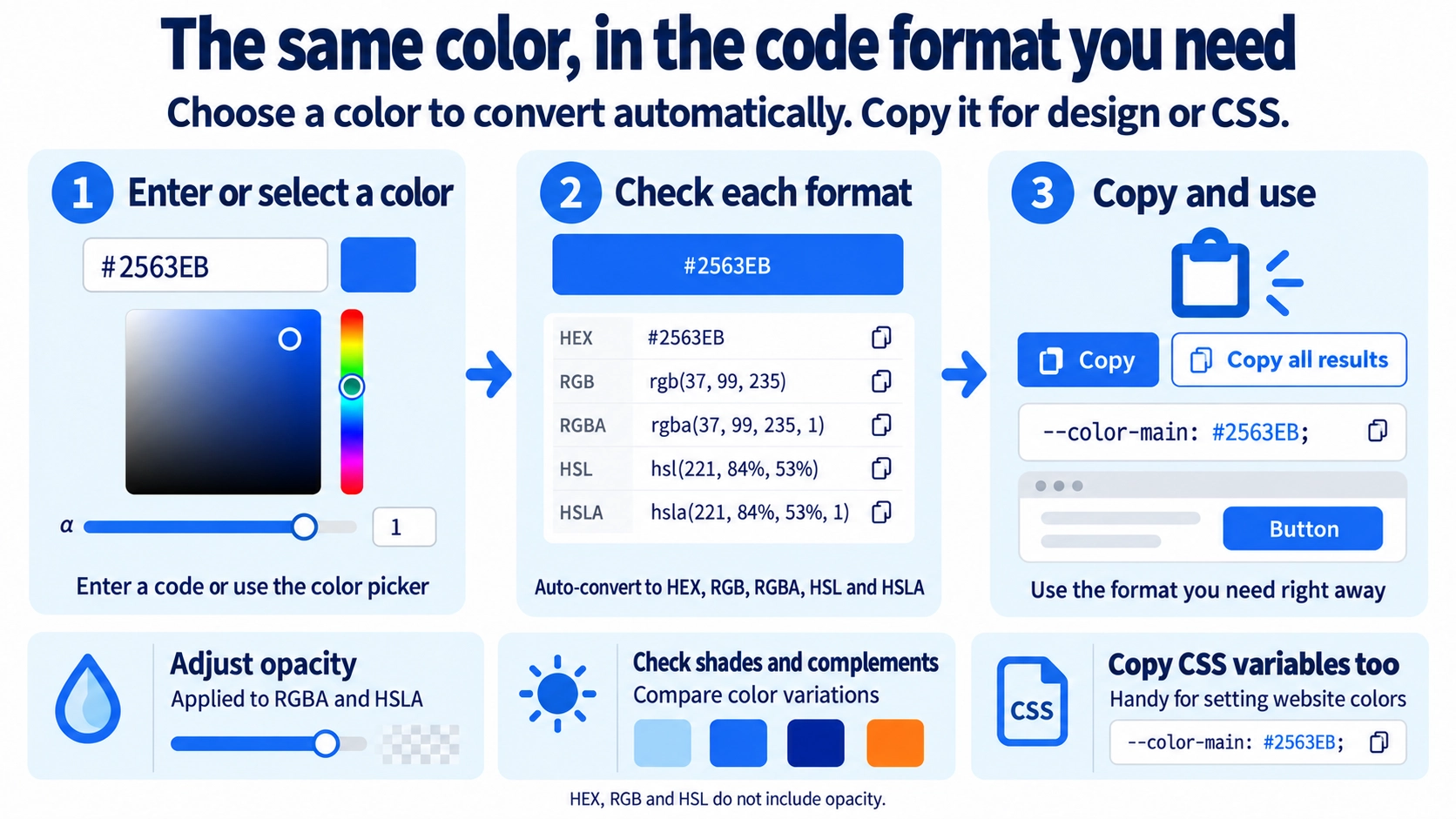
Convert and compare HEX, RGB, RGBA, HSL, and HSLA color values in your browser. Pick a color, adjust brightness, check its complement, and copy the result.
How to use it
- Enter a HEX, RGB, or HSL color value, or select a color using the picker.
- Adjust hue, transparency, or brightness if needed.
- Review the converted HEX, RGB, RGBA, HSL, and HSLA values.
- Copy an individual value or use “Copy all results”.
Supported input and notes
Invalid color values cannot be converted reliably. Choose the HEX, RGB, RGBA, HSL, or HSLA format required by your design or CSS. The screen eyedropper works only in supported browsers.
When it is useful
Useful for matching colors between CSS, design mockups, and graphics while copying codes in the required format.
Different Ways to Describe the Same Color
HEX, RGB, and HSL are different ways to represent the same color. Converting between them helps when moving a color between CSS, design tools, and other workflows.
HEX and RGB
Common formats for web work, showing the same color with hexadecimal or RGB values.
HSL
Describes hue, saturation, and lightness, which can make lightness variations easier to compare.
Colors with Transparency
Transparency is reflected in RGBA and HSLA. Lowering opacity changes how much of the background shows through; HEX, RGB, and HSL outputs do not include that opacity value.
Lightness and Complementary Colors
Lighter and darker suggestions keep the general hue while changing lightness. The complementary color shifts the hue to the opposite side, so it is not simply another shade of the same color.
The Suggested Text Color Is a Guide
The preview chooses light or dark text using a simple brightness check.
FAQ
Does the color change between HEX and RGB?
When converted correctly, they represent the same visible color.
Is opacity included in the HEX output?
No. Use RGBA or HSLA to view opacity in this tool.
Does a complementary color guarantee readable text?
No. A complementary relationship does not guarantee sufficient text contrast.