Upload the image file. Adjust the available settings for the tool.
What this tool does
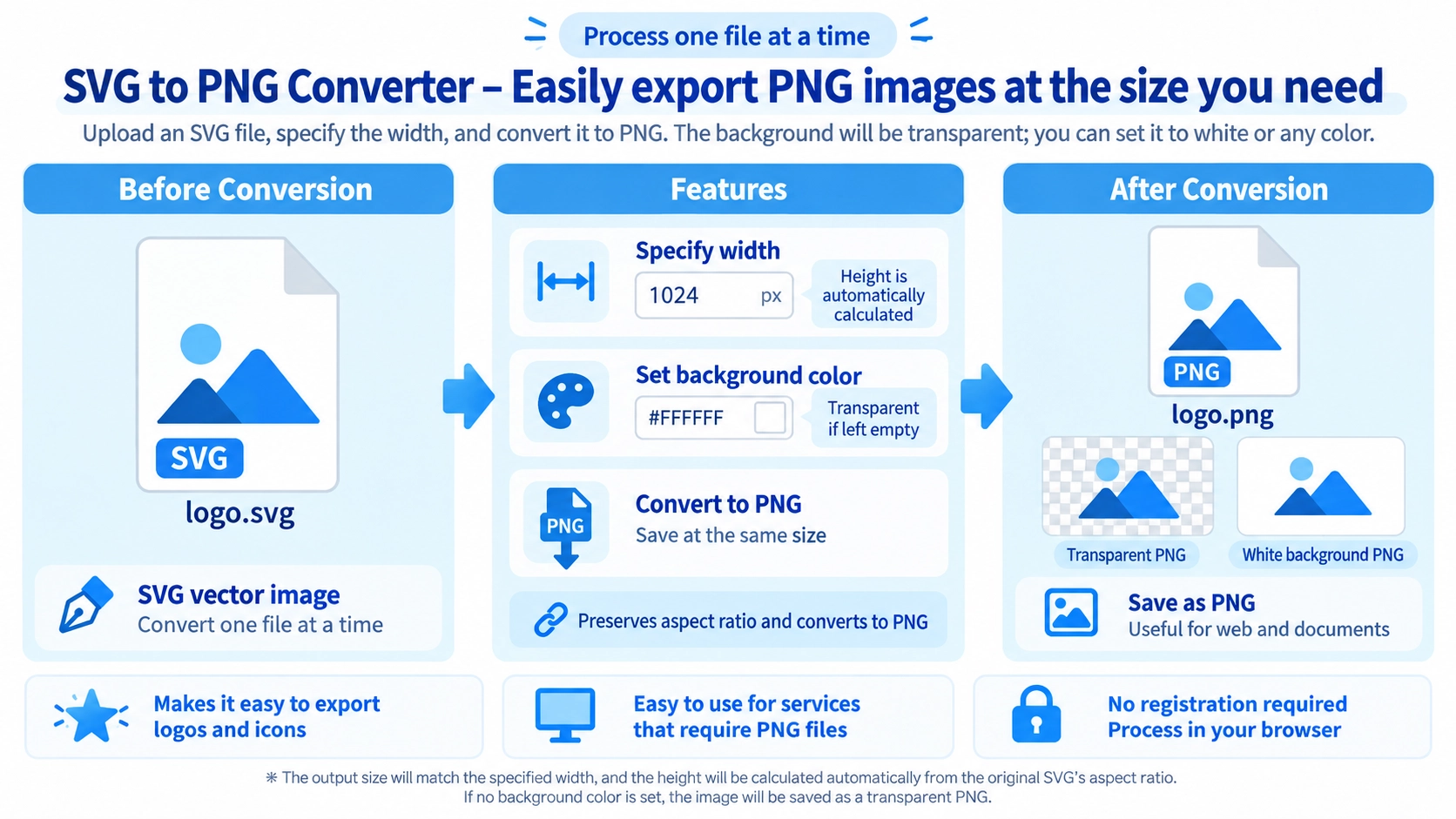
Convert an SVG vector graphic into a PNG, with an adjustable output width for high-resolution export.
How to use it
- Select an SVG file to convert.
- Set the PNG output width and optional background color.
- Click “Convert to PNG” to render the image.
- Download the converted PNG.
Supported input and notes
SVGs containing external fonts or complex filters may render differently across browsers. Choose an output size with sufficient resolution for the final use.
When it is useful
Useful when a website or application needs a raster PNG instead of an SVG.
What changes when converting SVG to PNG
SVG stores shapes and text as vector data, while PNG is a pixel-based image format. This tool renders one SVG at a chosen output width and saves it as PNG.
SVG
Vector artwork can scale cleanly when the source is built from vector elements.
PNG
The result is a raster image that is convenient for uploads, documents, and workflows that require PNG.
One file at a time
This page converts one SVG file at a time. It does not provide batch SVG conversion.
How the PNG output size is determined
You set the output width. The tool calculates the height from the SVG image's aspect ratio.
Creating a large PNG from SVG
Enter the output width you need. Vector-based SVG artwork is well suited to large raster exports, although any bitmap images embedded inside the SVG are still limited by their own source resolution.
Transparent PNG backgrounds are supported
Leave the background field empty to export the PNG with a transparent background. To create a white background, enter #ffffff.
If you specify another background color, the tool fills the Canvas with that color before drawing the SVG.
Common Uses
PNG-only services
Convert an SVG when a site or service accepts PNG but not SVG.
Documents and image editors
Export logos and icons at the width needed for a PNG-based workflow.
Transparent assets
Leave the background empty to create a transparent PNG.
Choose export width
Set the width and let the tool calculate height from the aspect ratio.
FAQ
Will the image stretch if I set only the width?
The height is calculated from the SVG's aspect ratio, so the original proportions are preserved.
Can I keep the background transparent?
Yes. Leave the background field empty.
How do I make the background white?
Enter #ffffff as the background color.
Can I convert multiple SVG files at once?
No. This page converts one SVG file at a time.