Upload the image file. Adjust the available settings for the tool.
What this tool does
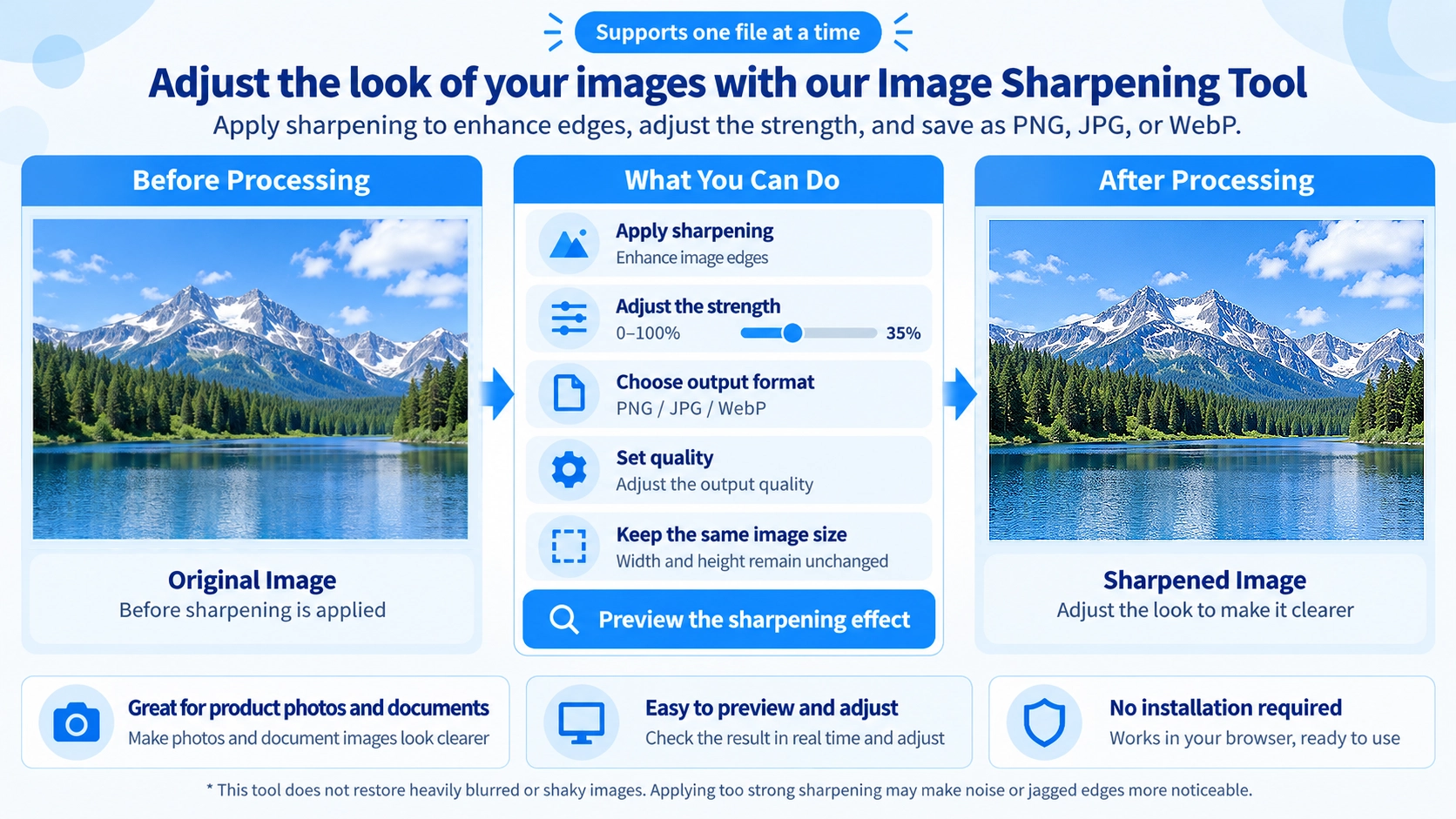
Enhance image edges with an adjustable sharpening filter. Preview the result and export it as PNG, JPG, or WebP.
How to use it
- Upload the image you want to sharpen.
- Adjust the sharpening strength using the slider.
- Choose PNG, JPG, or WebP and set quality where applicable.
- Click “Output” to save the sharpened image.
Supported input and notes
Excessive sharpening can emphasize noise and jagged edges. Use moderate settings for text and product photos, checking the preview before saving.
When it is useful
Useful for enhancing slightly soft images before use on websites or in documents.
Sharpening Effect
It increases contrast between neighboring pixels so edges and fine details appear more defined. It does not increase resolution or image dimensions.
Sharpen Strength
Strength ranges from 0–100%. Higher values make edges stronger, but can also emphasize noise, grain, and halos.
Blurred Images
It enhances edge information that is already present. It cannot reconstruct detail lost through focus blur or camera shake.
Strength vs Quality
Strength
Controls how strongly sharpening is applied, from 0–100%.
Quality
Controls export quality from 60–100%, with 92% as the default. Raising Quality does not make sharpening stronger.
PNG Transparency
The tool adjusts RGB edge detail while keeping each pixel's original alpha value.
Outer 1px Border
Interior pixels are sharpened using differences with neighboring pixels, while the outermost border remains as it was.
Output Quality
PNG
PNG does not use the quality value in the same way as JPG or WebP and is suitable when transparency must remain.
JPG
The selected quality value is used when saving.
WebP
The selected quality value is also used for WebP, which can preserve transparency.
FAQ
Does sharpening change the image dimensions?
No. The original width and height are preserved.
What happens at 0% strength?
No sharpening is applied; the image is simply exported in the selected format.
Does the quality slider affect PNG like JPG or WebP?
No. PNG output does not use it for lossy quality adjustment.