Select an image to view its dimensions, file size, format, and other basic details. The original image is not modified.
Check size, file size, and format
What this tool does
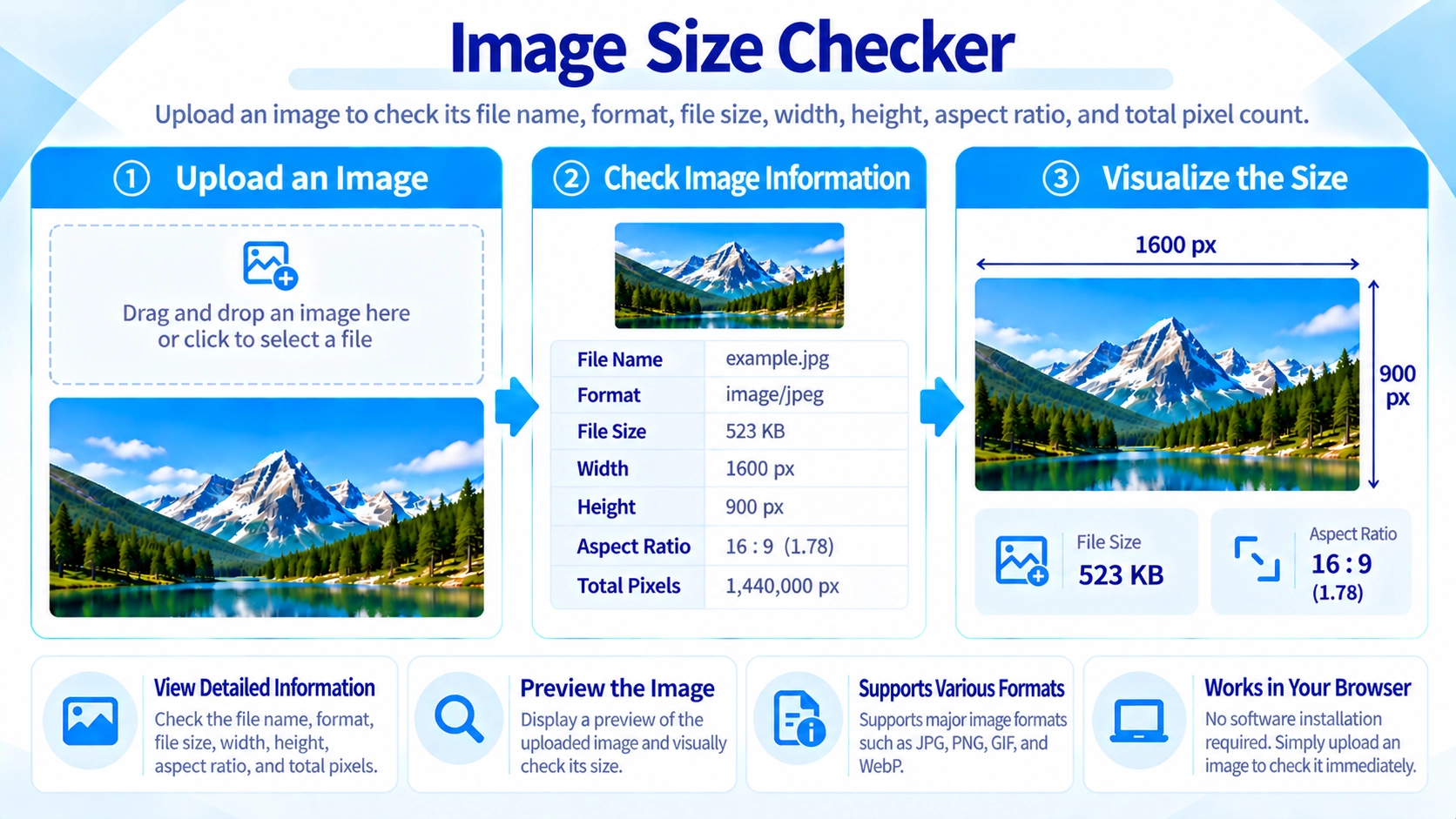
Check an image’s width, height, file size, format, aspect ratio, and total pixel count without modifying the original file.
How to use it
- Select an image file to inspect.
- Review its width, height, file size, format, aspect ratio, and pixel count.
- Select another image if you want to check a different file.
Supported input and notes
This page displays image details only; it does not edit your file. Use it to check dimensions and file size before publishing or organizing assets.
When it is useful
Useful for checking image specifications before uploading to a website or sharing with a designer.
Image Details
The tool shows the filename, format, file size, width, height, aspect ratio, and total pixel count.
Pixel dimensions and file size describe different things, so checking both gives a clearer picture of the image.
Aspect Ratio
Aspect ratio describes the relationship between width and height. For example, 1920×1080 is shown as 16:9, while 1000×1000 is 1:1.
This is useful when checking whether an image matches a website or social-media layout.
Total Pixels
Total pixels are calculated from width × height. A larger pixel count generally means a higher-resolution image, but it can also require more processing and storage.
File Size vs Dimensions
A 2000×2000 image can have a smaller file size than a 1000×1000 image. File size also depends on the image format and compression.
FAQ
Can I resize the image here?
No. This page is for checking image information only.
Does it show the aspect ratio?
Yes. The ratio is calculated from the image width and height.
Does loading the image change its quality?
No. The source file is not edited.