Provide the input text, data, or file. Choose the tool options that match your goal.
What this tool does
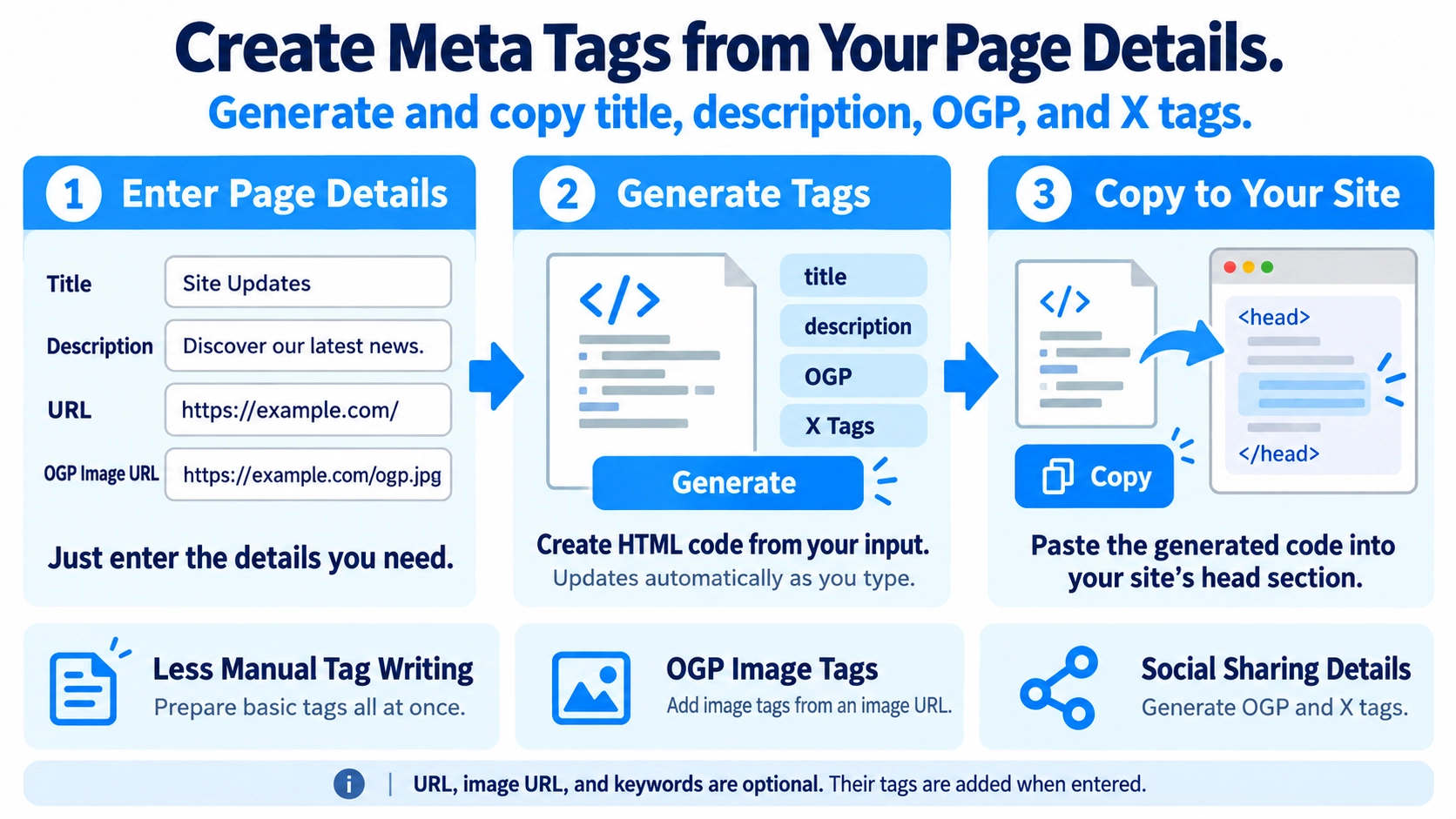
Create title, meta description, Open Graph, and Twitter Card tags from your own page details, then copy the generated HTML code.
How to use it
- Enter the page title and meta description.
- Add the page URL, image URL, or keywords as needed.
- Click “Create” to generate the HTML meta tags.
- Review the tags and click “Copy” to use them in your page.
Supported input and notes
The output is HTML markup for your page. Preview content and verify URLs before placing the tags in a website.
When it is useful
Useful for drafting search and social-sharing metadata while publishing web pages.
Generate Core Meta Tags
Title and description are used to generate the HTML title, meta description, Open Graph title and description, and X title and description tags.
Open Graph Tags
og:type is always generated as website. Enter a URL to add og:url, and an image URL to add og:image.
X Card Tags
The tool generates twitter:card, twitter:title, and twitter:description. The card type is fixed to summary_large_image. An image URL also adds twitter:image.
Optional Fields
URL, image URL, and keywords are only output when provided. Title and description tags are still generated even when those fields are blank.
Tags Not Generated
The tool does not automatically generate canonical, viewport, charset, or other tags outside its input fields.
FAQ
Can it generate social image tags?
Yes. An image URL generates both og:image and twitter:image.
Can I choose the X card type?
No. It is fixed to summary_large_image.
What happens if the URL is blank?
og:url is omitted, while other populated tags are still generated.